Power banks have become a normal part of a bag or a pocket, yet most of us buy one by glancing at a big number on the box. That number does not tell you how safe the battery is, how fast it will charge your phone, or whether an airline will let it on board.
In this article we will discuss how to read the label, choose a trustworthy model, travel with it and handle one that overheats.
Power bank capacity is quoted in a misleading way
The number printed in bold on a power bank is almost always milliamp-hours, and it is the least honest way to compare products. That figure assumes the internal cells run at about 3.7 volts, but your phone, tablet or laptop charges at a different voltage, often 5 volts or higher through USB. The energy a device receives therefore depends on conversion, and conversion wastes some energy as heat. This is why two banks with the same mAh label can deliver different amounts of real charge.
The better measure is watt-hours, written Wh, which expresses actual energy. The conversion is simple: multiply the milliamp-hours by 3.7 and divide by 1,000. A 10,000 mAh bank is about 37 Wh, and a 20,000 mAh bank is about 74 Wh. Airlines use the same unit for their limits, so getting comfortable with Wh solves two problems at once: you can compare capacity fairly, and you can tell at a glance whether a bank will be accepted on a flight.
Next comes the usable capacity. Jackery, a company that sells power banks and portable power stations, says only about 70 to 80 percent of the rated capacity reaches your device because of voltage conversion and heat, which means a 10,000 mAh bank behaves more like a 6,000 to 7,000 mAh bank in practice. Because this comes from a seller, treat the exact range as a rough guide, but the principle is widely accepted: no power bank delivers its full label capacity to your phone. Expect a bank labeled 10,000 mAh to give a typical smartphone about one full charge, with some left over for a partial top-up.
It helps to translate capacity into your own habits. A modern phone battery is often in the range of 4,000 to 5,000 mAh at its own voltage, so a 10,000 mAh bank gives somewhere between one and two charges after losses, depending on the phone. A 20,000 mAh bank gives roughly three phone charges or about two charges for a smaller laptop, according to Jackery’s estimates. If you only need a safety net for a day out, a smaller bank is lighter and easier to fly with, and it may be all you need.
Be skeptical of extravagant numbers. A very cheap bank claiming a huge capacity, such as 50,000 mAh for the price of a lunch, deserves suspicion, because real cells of that size cost real money and weigh a lot. Weight is a useful sanity check: a bank that feels too light for its claimed capacity probably has a smaller battery than the label says. Honest makers print the Wh figure on the casing, and that is the number to trust.
Safety begins with the maker and the paperwork
A power bank packs a lithium-ion battery into a small case, and most of the time it is perfectly safe. The risk comes from poor cells, weak protection circuits and damage, and these are more common in cheap, unbranded products. A good bank includes a battery management system that watches temperature, voltage and current, and cuts power if something goes wrong. Budget units, according to Jackery, often lack proper thermal cutoff circuits, and while that is a company statement, it fits the general advice to avoid mystery brands.
Look for independent testing. Jackery calls UL 2056 the gold standard for power banks, and says the test covers overcharging, short circuits, thermal runaway containment and drop shock. A certification mark on the box is not a guarantee, because marks can be faked, but a real certificate from a recognized lab, plus a known brand with a support website, is a good sign. Look for clear printing of the model number, input and output ratings and the Wh capacity on the device itself.
Recalls are the clearest evidence that even big names can have problems, and you should check them before you buy and again after. In June 2025, the United States Consumer Product Safety Commission announced a recall of more than 1.1 million Anker PowerCore 10000 power banks, model A1263, sold between 2016 and the end of 2022. The agency linked the batteries to 19 fires or explosions, two minor burn injuries and 11 incidents causing more than 60,700 dollars in property damage. Later that year there was a second Anker recall of about 481,000 units across five models, including the A1647, A1652, A1257, A1681 and A1689, with 33 overheating incidents reported.
The lesson is not that Anker is uniquely unsafe, but that any product can be recalled and that owners need to notice. Both recalls told owners to stop using the devices immediately, register through the company’s recall page, and dispose of the units through hazardous waste or battery recycling, not the normal bin. If your bank is more than a couple of years old and you cannot remember the brand, check the model number against the recall database of the consumer agency in your country.
| What to check | Good sign | Warning sign |
| Brand and support | Known maker with a support site and warranty | No brand name, no website, no model number |
| Capacity label | Wh printed on the case and matches the mAh | Only a huge mAh figure, bank feels too light |
| Safety testing | Recognized lab marks such as UL 2056, details on the maker’s site | Vague claims like “safe certified” with no standard named |
| Protection features | Overcharge, short circuit and temperature protection listed | No protection features mentioned |
| Recall history | Model not on any recall list | Matches a recalled model number |
Ports, speed and cables decide how useful a bank is
A safe bank is only useful if it charges your devices at a sensible speed. Look first at the ports. USB-C with Power Delivery can supply anywhere from about 18 watts to 100 watts depending on the model, while a standard USB-A port usually offers only about 5 to 12 watts, according to Jackery. If you want to charge a modern phone quickly, or a laptop at all, you need a USB-C port rated for enough output.
Match the bank to the device. Many Samsung and Google phones benefit from a feature called PPS, which allows fine control of voltage for faster charging, and a bank without it will charge such phones more slowly. Laptops often need 45, 65 or more watts, and a bank rated for 20 watts will charge them extremely slowly or not at all. Read your device’s charger rating, then choose a bank that matches or exceeds it.
Do not forget the cable. An underrated cable can silently limit charging speed, so a high-wattage bank paired with a thin cheap cable may deliver only a fraction of its power. Use the cable that came with the
bank, or buy a certified USB-C cable rated for the wattage you need. A good cable is a small cost and an easy way to avoid slow charging and extra heat.
Pass-through charging, where the bank charges while it also powers a device, is convenient but generates extra heat. Jackery warns that uncertified units may degrade faster or pose safety risks in this mode, and advises assuming a bank does not support it if the manual does not mention thermal regulation. As a general habit, avoid pass-through on cheap banks, and never use it while the bank is covered by a bag or blanket. It is better to charge the bank first, then use it.
Everyday use and storage keep a power bank healthy
A power bank is a battery, so it follows the same rules as a phone battery. Heat is the main enemy, so do not leave the bank in a hot car, in direct sun or on a radiator. Jackery advises against storing it above about 35 degrees Celsius or below 0 degrees. Do not charge it under a pillow or in a closed bag, and keep it somewhere you can see and touch it while it works.
For storage over weeks or months, avoid keeping it full or completely empty. Jackery recommends around 50 percent charge in a room-temperature spot. It also suggests not letting the bank run to zero regularly, and recharging when it falls to 20 or 30 percent. This is consistent with how lithium-ion cells age, because the extremes stress the battery more than the middle range.
Inspect the bank from time to time. Look for swelling, cracks, dents, a case that no longer closes properly, or a smell of chemicals. If the bank becomes noticeably hot during ordinary use, or its output fails suddenly, stop using it. A bank that has been dropped hard or crushed in a bag may have internal damage that does not show on the outside, so treat a heavy impact as a reason to retire it.
When a bank reaches the end of its life, dispose of it properly. Lithium-ion batteries cannot go in the normal rubbish or ordinary recycling, because crushing in a truck can start fires. Take it to a battery recycling point, a retailer that accepts batteries, or a household hazardous waste center. The recall notices for Anker devices said the same, and that advice applies to any worn bank.
Airlines accept power banks in the cabin and nowhere else
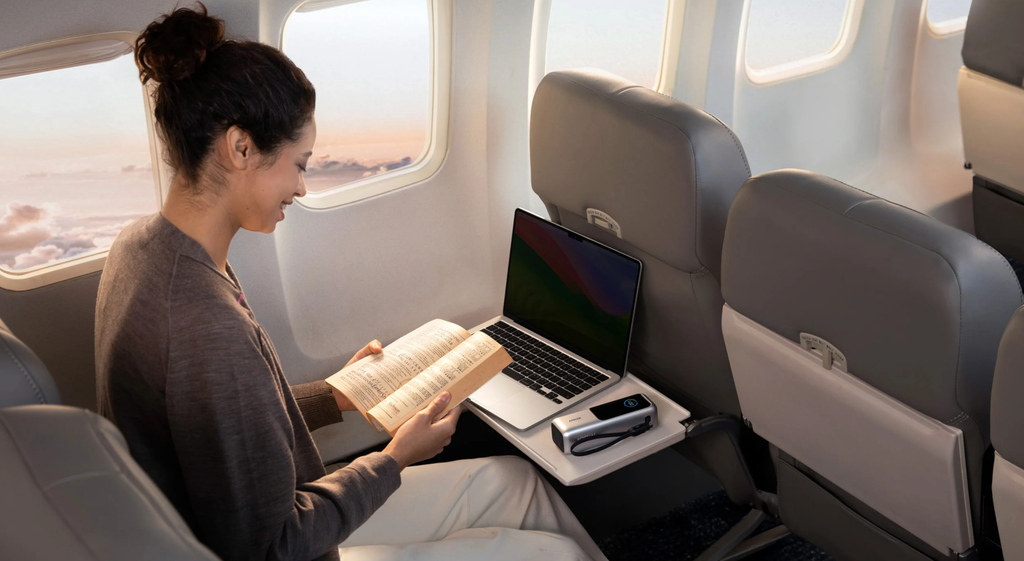
Airline rules on power banks are among the most consistent in air travel, at least on the basics. According to Android Authority, regulators such as the FAA and TSA, along with others worldwide, agree on two rules: power banks go in carry-on bags and not in checked luggage, and capacity should not exceed 100 Wh, with some airlines allowing up to 160 Wh with prior approval. TripIt’s summary of the IATA guidance says the same and adds that batteries above 160 Wh are not permitted on passenger flights.
The reason for the carry-on rule is practical. A lithium battery that overheats in the hold is out of reach of the crew, while one in the cabin can be spotted and dealt with quickly. An article on the travel site Your Mileage May Vary describes the FAA position this way: spare batteries stay in the cabin so crew can respond to overheating, smoke or fire. That is also why a carry-on bag that is checked at the gate must have its power banks removed and carried with you.
Here are the numbers, as reported by those sources. Under 100 Wh is generally accepted without airline approval. From 101 to 160 Wh, you usually need approval from the airline and the US limit is two such spares per passenger. Above 160 Wh, the bank is not allowed, apart from certain mobility-device batteries. Most travel power banks, at 37 Wh for 10,000 mAh and 74 Wh for 20,000 mAh, sit comfortably below 100 Wh, but a very large 30,000 mAh bank at 111 Wh would fall in the approval range.
Protect the terminals. US airlines such as Delta, American and United ask passengers to protect spare batteries from short circuits, which can mean keeping them in their original packaging, in a separate pouch or with tape over the contacts. Most power banks have enclosed ports, so the main point is to avoid loose contact with keys, coins or other metal in a bag. A small pouch or the bank’s own travel case solves this.
Do not travel with a damaged or recalled bank. Allegiant, according to Your Mileage May Vary, refuses damaged or recalled batteries, and other carriers take a similar view. If your bank is swollen, hot or recalled, leave it at home and dispose of it properly. Security staff are entitled to refuse any device that looks unsafe, and it is better to lose a small gadget than to lose your seat.
| Capacity | Typical examples | What airlines usually require |
| Up to 100 Wh | 10,000 mAh (about 37 Wh), 20,000 mAh (about 74 Wh) | Carry-on only, no approval, terminals protected |
| 101 to 160 Wh | Large 30,000 mAh banks (around 111 Wh) | Carry-on only, airline approval, usually two spares at most |
| Over 160 Wh | Portable power stations | Not allowed on passenger flights |
| Any size, damaged or recalled | Swollen or hot banks | Do not fly with it |
In-flight use is where the rules differ most
Once you are in the air, the rules diverge, and they are tightening. Android Authority reports that Emirates bans charging devices from a power bank and charging power banks on board, citing lithium battery incidents. The same article lists Cathay Pacific, China Airlines, EVA Air, Singapore Airlines, Korean Air and Thai Airways as carriers with similar restrictions. Frommer’s adds that Lufthansa Group airlines announced a ban on charging and using power banks in flight, apart from approved medical devices.
US carriers are generally more relaxed, but they impose conditions. TripIt reports that American Airlines does not allow power banks in checked bags or overhead bins, requires them to stay visible or easily reachable, and does not allow them to be plugged into the aircraft’s outlet to recharge. Southwest, as described by Android Authority, allows use if the power bank is visible, and does not allow charging devices from a bank in luggage or in the overhead bin. In every case, the crew can ask you to disconnect or stow a device, and you should comply immediately.
The overhead bin rule matters more than it sounds. A bank charging a phone inside a bag in the bin can overheat unnoticed, and the bin is hard to reach. If you use a bank in flight where permitted, keep it in your hand, on your lap or in the seat pocket, where you can feel it getting warm. If it becomes hot, smells odd or starts to swell, tell the crew straight away.
A major change is approaching. TripIt reports that from the start of 2027, new IATA rules will say power banks must not be recharged on board and should not be used to charge a portable electronic device on board, and each passenger will be limited to two power banks. Airlines can still set stricter limits. Because we are already in October, travelers booking trips for early next year should plan on these rules rather than the looser ones now in force at some carriers.
The sensible approach is to avoid relying on the bank in flight. Charge your phone, tablet and headphones to full before boarding, and treat the power bank as an emergency reserve for the airport or the destination. If you are on a long flight and need to charge, use the seat outlet or USB port if the aircraft has one. Always check your airline’s page before you go, because rules differ and can change between booking and departure.
Capacity labels and paperwork make airport checks easy
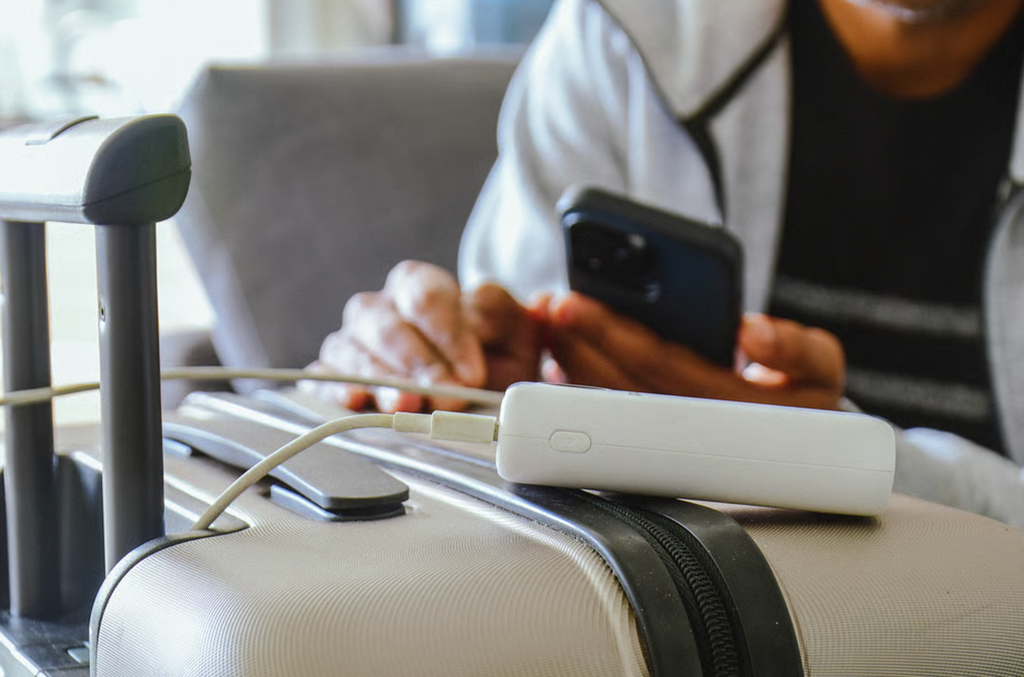
Security staff and gate agents look for a few simple things, and you can make life easier by preparing. The most useful is a visible Wh rating. If your bank is labeled only in mAh, the officer may have to guess, and a large number can look alarming even if the Wh figure is under the limit. Carry a note or screenshot with the conversion if the label is unclear, for example 20,000 mAh multiplied by 3.7 volts and divided by 1,000, giving about 74 Wh.
Your Mileage May Vary mentions that battery makers such as Anker and Goal Zero offer conversion tables and calculators. If a label is faded or missing, you could find the specification on the maker’s website and save a copy to your phone. Emirates asks for a clearly visible capacity marking, according to TripIt, so a bank without any labeling may be refused. This is a good reason to avoid unbranded banks with no printed ratings.
Pack in a sensible way. Keep the power bank in a small, easy-to-reach pocket of your carry-on, not at the bottom of a packed bag, because you may be asked to show it or to move it. Place each bank in its own pouch, or tape over any exposed contacts on loose batteries. If you carry more than one bank, check the airline’s limit, since American, for example, allows up to four spares under 100 Wh, while the upcoming IATA rule limits passengers to two.
If your carry-on bag is taken at the gate and put in the hold, take the power banks out first and keep them with you. TripIt and Your Mileage May Vary both note that this is standard practice, and airlines such as United and JetBlue state it. Do the same with spare camera batteries and other loose lithium cells. This step takes a minute and avoids an awkward scramble at the bag drop.
If a power bank overheats, act calmly and quickly
Problems are rare, but it is worth knowing what to do. Signs of trouble include a case that is hot to the touch without heavy use, swelling, hissing, a chemical or burning smell, smoke, or a sudden loss of charging ability. If you notice any of these, stop using the device and unplug it from anything connected. Do not charge it again, and do not try to open it.
At home, move the bank away from flammable items such as curtains, beds and paper, and place it on a hard surface such as a tile floor or outside, if you can do so safely. If it is smoking or burning, leave the area and call the emergency services, and do not try to fight a battery fire with a small extinguisher unless you are trained. Lithium fires are hard to put out, and your safety matters more than the device.
On a plane, tell a crew member immediately. Crews are trained for lithium battery incidents, and carry equipment to deal with them. The reason airlines insist on the cabin and on visible placement is that quick action makes a big difference. Do not hide a hot device in a bag or try to carry it to the bathroom, because speed and awareness are the best protection.
What to do first
Begin by checking the power bank you already own. Look for a Wh rating on the case, a model number and a brand you recognize. Search the model number together with the word recall on your national consumer safety agency’s website, and check the Anker recall list if you have a PowerCore 10000 or one of the other named models. If the bank is swollen, cracked, hot or recalled, stop using it today and take it to a hazardous waste or battery recycling point.
If you need a new bank, decide your needs before browsing. For a phone safety net, a 10,000 mAh bank of around 37 Wh is light and gives about one charge. For a weekend trip with a tablet or two phones, 20,000 mAh at around 74 Wh is a good balance and is still under the 100 Wh airline limit. For a laptop, choose a bank with a USB-C Power Delivery port rated for your laptop’s wattage, and check that its Wh stays within the limit if you plan to fly.
Choose from a known brand with independent safety testing, a printed Wh figure and a support website. Be wary of unusually cheap prices, huge capacity claims and missing model numbers. Buy from a reputable store or the maker’s own site, and keep the receipt in case of a recall. Pair the bank with a certified cable rated for the wattage you need.
Before a flight, read your airline’s power bank page, since rules differ and are changing. Keep the bank in your carry-on, protect the terminals, make sure the Wh label is visible, and charge your devices before boarding so you do not depend on the bank in the air. If your airline allows in-flight use, keep the bank in sight and stop if it warms up. Plan for the two-bank limit and the ban on in-flight use that are due at the start of 2027.