Walking out of a store without a paper slip in hand has gone from a rare occurrence to the default experience at a growing number of retailers. Digital receipts, sent by email, text, or stored directly within a retailer’s app, are replacing the printed strip that used to curl out of a register automatically.
This shift reflects cost savings for retailers, environmental pressure to cut paper waste, and a real convenience for shoppers who no longer need to keep a physical slip for warranty claims or returns. It also raises new questions about where that receipt data goes, how long it stays accessible, and what happens when a return requires proof of purchase months after the fact.
This guide walks through how digital receipts function, how to store and organize them, what tradeoffs come with going fully paperless, and how to handle the moments when a digital record falls short.
Reading a Digital Receipt’s Structure
A digital receipt typically mirrors the information found on a printed one: itemized purchases, prices, applied discounts, tax, and payment method, formatted either as an email, a text message, or an in-app record tied to a loyalty account. Retailers that use point-of-sale systems integrated with email capture often prompt a cashier to ask for an email address at checkout, while app-based retailers automatically log a purchase to an account a shopper is already signed into.
The format matters because it affects how searchable and how permanent a given receipt is. An emailed receipt sits in an inbox and can be searched later by merchant name or date, provided the email itself is not deleted. An in-app receipt, by contrast, usually remains accessible as long as the account stays active and the retailer keeps historical records, which varies widely by company policy.
- Emailed receipts: Delivered to an inbox, searchable by sender or subject line, but dependent on the recipient keeping that email.
- Text message receipts: Common at smaller retailers, these tend to be harder to search later since text apps rarely offer detailed filtering.
- In-app purchase history: Automatically logged for shoppers signed into a retailer’s loyalty or rewards account, often with the longest retention period.
- QR code or barcode receipts: Some retailers issue a scannable code tied to an online record rather than a readable list of items.
Knowing which format a specific retailer uses before making a purchase helps a shopper decide whether to provide an email address or rely on an app login to keep the record accessible later. Some retailers have begun offering a hybrid approach, printing a short slip with only the total and a scannable code at checkout, while the full itemized detail lives online, accessible by scanning that code later.
This compromise keeps a lightweight physical record for a shopper who wants something to hold in hand while still reducing the length of paper printed per transaction. It also gives a shopper a fallback option if an email never arrives or a phone is not on hand at checkout to pull up an app-based record immediately.
Storing Receipts for Returns and Warranties
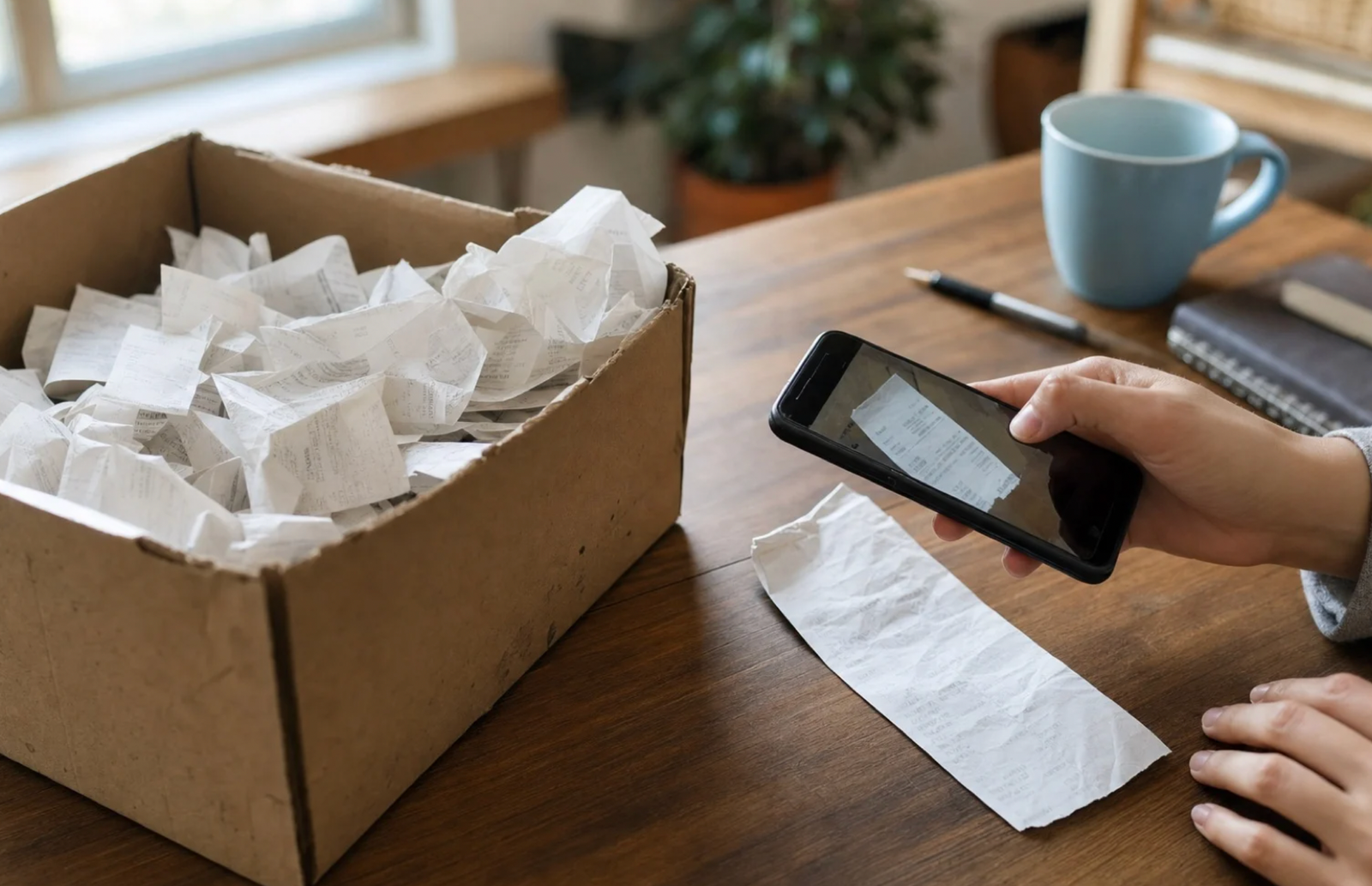
A digital receipt only helps if it can be found again when needed, and the biggest practical challenge with paperless checkout is organization rather than the technology itself. Receipts scattered across email, text messages, and multiple retailer apps become hard to track down months later when a product fails and a warranty claim requires proof of purchase. Building a simple system for consolidating these records early prevents a frustrating search later.
Dedicated receipt management apps have emerged specifically to solve this problem, scanning an inbox for receipt-pattern emails and organizing them into one searchable archive regardless of which retailer sent them. Some banking and card apps have also started attaching purchase details directly to transaction records, offering another place to cross-reference a purchase if the original receipt gets lost.
- Dedicated folder or label in email: Creating a specific folder for receipts, with an email rule that automatically sorts incoming purchase confirmations, keeps them from getting buried.
- Receipt management apps: Third-party tools that consolidate receipts across retailers into one searchable archive.
- Bank and card statement cross-reference: Transaction records on a statement can confirm a purchase date and amount even without the original receipt.
- Retailer account purchase history: Many stores keep an internal log accessible through account settings, useful as a backup when an email gets deleted.
For higher-value purchases, such as electronics or appliances with multi-year warranties, saving a copy of the receipt in more than one location is a reasonable precaution, since a single point of failure, a deleted email or a forgotten app login, can otherwise leave a shopper without proof when they need it most.
Cloud-based note and file storage apps, already used by many people for unrelated purposes, offer a convenient landing spot for scanned or forwarded receipts tied to a major purchase, separate from both the original retailer’s system and a crowded email inbox.
Creating a single dedicated note or folder specifically for high-value purchase records, updated as each new item is bought, builds a simple backup archive that does not depend on any single retailer’s app staying accessible for years into the future.
Common Problems With Paperless Checkout

Not every paperless transition goes smoothly, and a few recurring issues show up across different retailers. Typos in an email address given verbally at checkout are a frequent source of missing receipts, since a single mistyped character sends the confirmation to an unrelated inbox rather than the shopper’s own.
Retailers that rely on a cashier manually entering an email address are more prone to this than those with self-checkout kiosks where a shopper types the address directly.
Account-dependent receipts create a different kind of problem: if a retailer ties purchase history exclusively to an account, losing access to that account, through a forgotten password or a closed account, can mean losing access to years of purchase records at once. This risk is worth weighing before relying entirely on one retailer’s app as a sole receipt archive.
- Mistyped email addresses: Verbally given addresses entered by a cashier are prone to small errors that redirect a receipt elsewhere.
- Account lockouts: Losing access to a retailer account can mean losing access to its entire stored purchase history.
- Spam filtering: Receipt emails sometimes land in a spam or promotions folder rather than a primary inbox, making them easy to miss.
- Retailer policy changes: Some companies reduce how long they retain digital purchase records, shortening the window in which an old receipt remains retrievable.
Asking for a receipt to be read back or confirmed on screen before leaving a register, when possible, catches most entry errors immediately rather than discovering the problem weeks later during a return attempt.
Self-checkout kiosks introduce their own version of these problems, since a shopper rushing through an unfamiliar touchscreen interface can accidentally decline the receipt option entirely or select the wrong delivery method without noticing.
Taking a moment to slow down on that final confirmation screen, rather than tapping through quickly out of habit, prevents a surprising number of the missing-receipt complaints retailers report from self-checkout lanes specifically.
Weighing Privacy Tradeoffs in Paperless Systems
Providing an email address or logging into an app at checkout links a specific purchase to an identifiable account in a way an anonymous cash transaction with a paper receipt never did.
Retailers use this data for purposes beyond simply issuing a receipt, including building purchase history profiles used for targeted promotions, loyalty program tracking, and internal sales analytics. This tradeoff is not necessarily harmful, but it is worth weighing before handing over contact information at every checkout out of habit.
Some shoppers maintain a secondary email address used specifically for retail receipts, keeping that inbox separate from a primary personal or work account to limit how much marketing correspondence reaches the accounts they check most often. This small step does not eliminate data collection but does reduce the clutter and keeps retail-related messages contained to one place.
- Dedicated receipt email address: A separate inbox used only for retail checkout purposes keeps marketing messages out of a primary account.
- Loyalty account data use: Purchase history tied to a rewards account is often used for targeted offers, which some shoppers may want to limit.
- Opt-out options: Many retailers allow disabling marketing emails while still receiving transactional receipts, a setting worth checking during signup.
- Data retention requests: Some privacy regulations allow requesting that a retailer delete stored purchase history, an option increasingly available depending on location.
Weighing this tradeoff comes down to personal comfort with data collection balanced against the real convenience of having purchase history searchable and accessible without a drawer full of fading paper slips.
Some shoppers choose a middle path by providing a phone number instead of an email address when a retailer offers that option, receiving a text-based receipt that carries less long-term marketing baggage than an email address often does. This is not a universal solution, since text-based records are generally harder to search later, but it reflects one more small lever shoppers can pull to shape how much of their contact information gets tied to routine purchases.
Weighing this choice retailer by retailer, rather than adopting one blanket policy for every checkout interaction, lets a shopper reserve a primary email for stores where long-term record-keeping matters most, such as large appliance or electronics purchases, while using a lighter-touch option for smaller, routine transactions.
Managing the Transition Away From Paper
For shoppers used to a physical receipt, the switch to fully digital records takes a short adjustment period before it feels natural. Building a habit of checking a confirmation screen before leaving a register, rather than assuming a receipt was sent correctly, closes the most common gap in the early stages of this transition.
Keeping a dedicated email folder or app ready before relying on digital receipts for anything important, like a warranty claim, prevents the scramble that comes from trying to organize retroactively.
Retailers are also adapting to serve shoppers who still want a printed option, often offering a choice at checkout rather than forcing a fully paperless experience on everyone. Knowing that this choice usually exists removes some of the pressure some shoppers feel to adapt immediately to a system that still allows a paper backup when it matters.
- Confirming receipt delivery before leaving: A quick check of the checkout screen confirms an email or text was sent before walking away.
- Setting up a receipt folder in advance: Preparing a system before it is needed avoids a disorganized scramble later.
- Asking about printed receipt options: Many retailers still offer a paper copy on request even when digital is the default.
- Reviewing retailer app settings: Checking notification and data preferences when first signing up for a loyalty account sets expectations early.
Over time, most shoppers find the paperless system faster and easier to search than a stack of fading paper slips, provided the early organizational habits are in place before a receipt is needed for something important.
Organizing Receipts Across Multiple Retailers and Years
A single shopping trip rarely poses an organizational challenge, but years of accumulated digital receipts spread across dozens of retailers, each with its own app, account, and retention policy, eventually becomes difficult to navigate without a deliberate system.
This matters most for anyone tracking home improvement purchases for insurance purposes, business expenses for tax records, or large appliance purchases with multi-year warranties that might need to be referenced long after the original transaction fades from memory. Building a simple annual archive, rather than relying on scattered emails and app logins, pays off the first time a years-old purchase needs to be located quickly.
Many people create a single folder structure organized by year, then by category, electronics, home, business, into which receipts get moved shortly after purchase rather than left to accumulate wherever they originally landed. This small habit turns a theoretically searchable but practically scattered collection of records into something that can be searched quickly when it counts.
- Annual folder structure: Organizing receipts into year-based folders, further split by category, makes retroactive searches far faster.
- Consolidated export routine: Periodically exporting receipts from retailer apps and email into one central archive reduces reliance on any single account staying active.
- Category tagging for taxes: Labeling business-related purchases separately from personal ones as they come in avoids a stressful sorting task during tax season.
- Backup copies off the original platform: Saving a PDF or screenshot copy outside of a retailer’s own app protects against losing access if that account is ever closed.
This kind of organization takes only a few minutes per month to maintain but can save hours of frustrated searching when a warranty claim, insurance report, or expense reconciliation depends on locating a specific purchase from months or years earlier.
Final Thoughts
The move toward digital receipts reflects a broader shift in how everyday transactions are recorded, favoring searchable, storable digital formats over paper that fades and gets lost. The convenience is real for shoppers willing to build a few simple organizational habits, but the shift also introduces new considerations around email accuracy, account dependency, and the data retailers collect along the way.
Treating digital receipts with the same intention once given to a paper folder, choosing where they are stored, checking they arrived, and knowing a retailer’s retention policy, keeps the convenience of paperless checkout from becoming a liability when proof of purchase matters most. A small amount of upfront organization protects against the one moment, months or years later, when a shopper needs to produce that proof without delay.
As more retailers phase out printed slips entirely, building that habit now puts a shopper ahead of a shift that is unlikely to reverse course in the coming years, making the small effort of setting up a system today far less costly than scrambling to reconstruct one later, when the original purchase details have long since faded from memory and every retailer account feels like a dead end.
Frequently Asked Questions
Are digital receipts legally valid for tax and business purposes?
Yes, in most jurisdictions a digital receipt carries the same legal standing as a printed one for expense reporting, tax deductions, and reimbursement purposes, provided it clearly shows the purchase details, date, and amount.
What happens if a digital receipt email is never received?
Checking a bank or card statement for the transaction, along with a retailer’s in-app or online purchase history, usually provides enough proof of purchase even when the original email never arrives or gets lost in a spam folder.
Can a digital receipt be used for a return without a physical copy?
Most retailers accept a digital receipt shown on a phone screen, an emailed PDF, or an in-app purchase record as valid proof for a return, functioning the same way a printed slip would at a customer service counter.
Do digital receipts expire after a certain period?
This depends entirely on retailer policy. Some retain purchase history indefinitely within an account, while others set a shorter retention window, making it worth downloading or saving a copy of any receipt tied to a long-term warranty.
Is it possible to opt out of digital receipts and still get a paper one?
Most retailers that have moved toward paperless defaults still offer a paper receipt on request, so asking a cashier directly is usually all it takes to get a printed copy when one is preferred.
Do digital receipts protect against price disputes better than paper ones?
Both formats serve the same basic function of documenting a transaction, though a digital receipt stored in a searchable email or app can sometimes be easier to locate quickly during a dispute compared with digging through a physical folder of paper slips.