
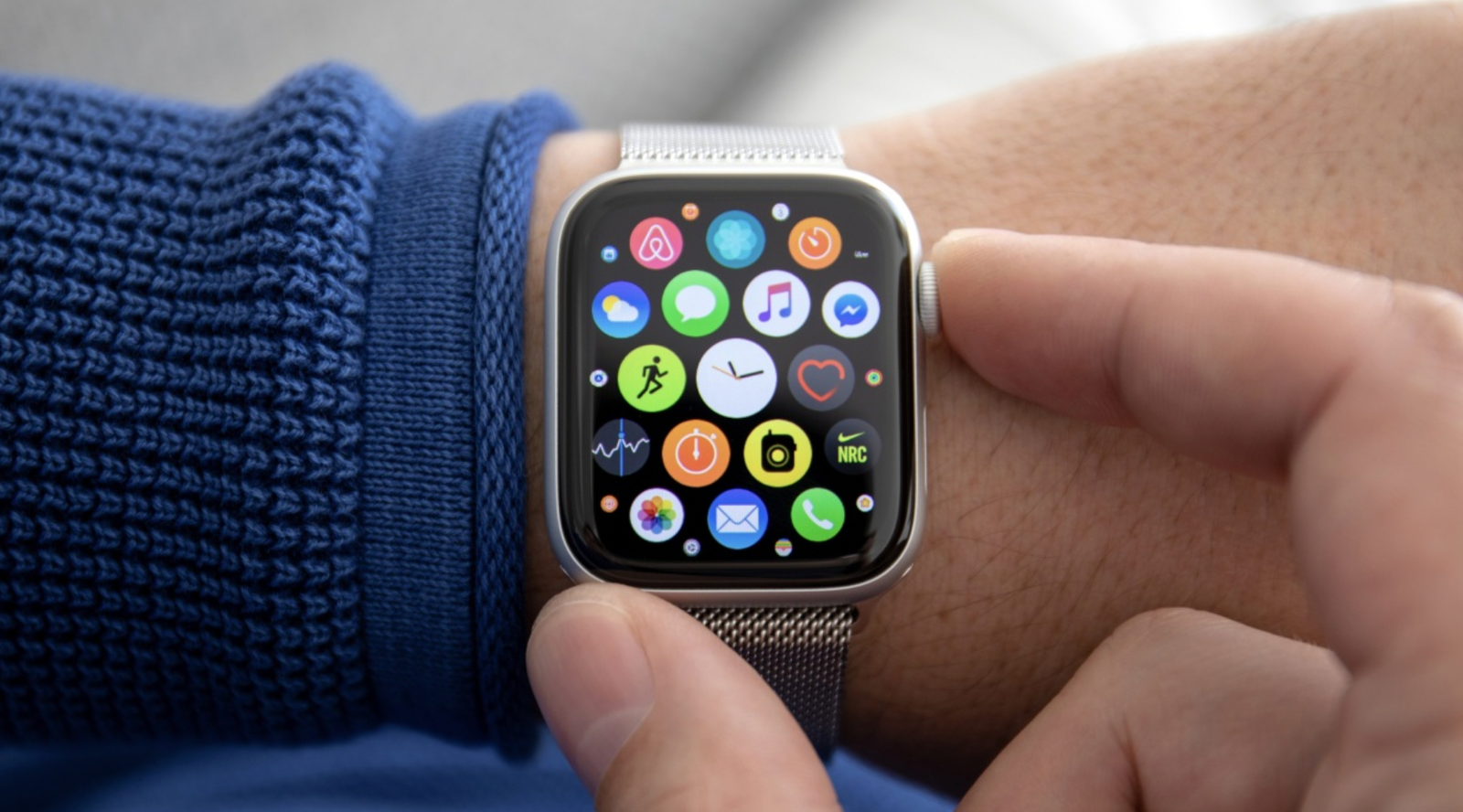
Your Apple Watch is convenient, but its security is only as strong as your settings. Neglecting them can put your data at risk. Proper configuration ensures your information stays safe.
Use a Strong Passcode
A passcode protects your device from unauthorized access. Avoid simple numbers like 1234 or 0000. Prefer a six digit code and enable automatic locking after inactivity.
Enable Wrist Detection
Wrist Detection locks your watch when it’s not on your wrist. This prevents others from accessing it if it is lost. Always keep this feature active.
Activate Two-Factor Authentication
Two-factor authentication secures your Apple ID and watch. You will need verification for sensitive actions. This greatly reduces the risk of hacking.
Review App Permissions
Limit apps from accessing location, health, or contacts. Only grant access to trusted applications. Apps with excessive permissions can compromise your privacy.
Turn on Find My iPhone
Find My iPhone allows you to locate, lock, or erase your watch remotely. This protects your data if the watch is misplaced or stolen.
Keep watchOS Updated
Regular updates fix security vulnerabilities. Always install the latest watchOS version. Ignoring updates leaves your device open to threats.
Manage Notifications
Notifications can reveal private information. Configure them to hide sensitive messages. This prevents others from seeing your data at a glance.
Secure Apple Pay
Apple Pay requires careful management. Always authenticate each payment. Avoid storing too many cards without security precautions.
Disable Automatic Unlock for Mac
Automatic unlock is convenient but risky. Turn it off for tighter protection. This prevents others from accessing your Mac using your watch.
Check Settings Regularly
Review your security settings often. Update passcodes, app permissions, and notification preferences. Regular checks keep your data secure.
Conclusion
Apple Watch security is not automatic. Strong passcodes, wrist detection, app control, and updates safeguard your information. Small adjustments today prevent major risks tomorrow.