
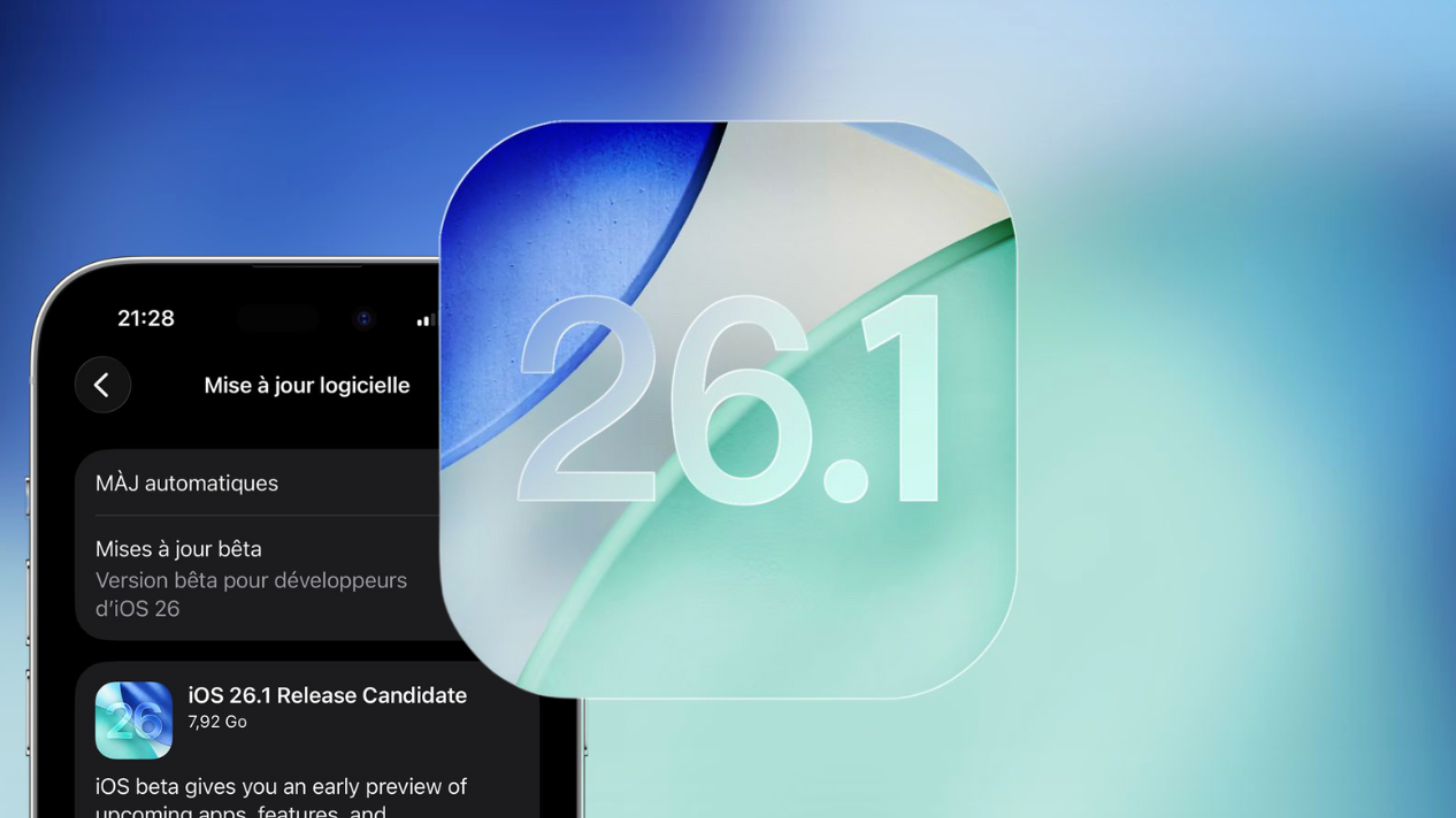
Apple’s latest update, iOS 26.1, focuses on making iPhones smarter to use, easier to personalize, and more efficient under the hood. While the headline improvements were introduced onstage, a number of useful additions never made it into Apple’s release notes. If you enjoy tweaking your device and discovering quality-of-life tricks, this update has plenty to offer. In a recent feature breakdown, Zollotech showcases the most exciting hidden upgrades and how they improve daily iPhone use.
Faster and More Visible Task Handling
The Reminders app now surfaces your tasks in places you interact with the most. Instead of opening the app every time, you can drop new reminders directly from the Control Center, your Lock Screen, or the Action Button. This means capturing to-dos feels as quick as jotting a note-minus the menu hopping.
Although the upcoming iOS 26.2 is expected to add a high-priority “Urgent” label, iOS 26.1 already lays the foundation for faster task input so important reminders are never buried again.
Messaging That Keeps Up with Group Thinking
Apple has quietly refined Messages to improve clarity in long conversations, especially inside busy group chats. Two standout additions include:
- In-chat polls, which make settling debates or planning events feel effortless
- Partial text selection, allowing you to copy only the relevant piece of a message instead of the entire block
These are small upgrades that significantly reduce friction when sharing details or making decisions with others.
UI Personalization Gets More Personality
A new interface style informally dubbed Liquid Glass gives users creative control over the level of translucency applied across the system. You can switch between crisp clarity, light tinting, or a soft frosted look on alerts, Lock Screen panels, and notifications.
For accessibility and focus, users can also now:
- Raise visual contrast for better clarity
- Lower or remove transparency for a cleaner, simpler interface
- Enable borders around interface elements to make tap targets easier to distinguish
The result is an iPhone UI that adapts to personal taste while remaining visually efficient.
Media Capture Gets a Creator-Friendly Upgrade
Recording sound and accessing the camera have both seen subtle but practical revisions.
You can now:
- Use AirPods as an external mic while filming, dramatically improving audio crispness
- Turn off the swipe-to-open camera gesture from the Lock Screen for added control against accidental activation
This creates new flexibility for mobile video creators and peace of mind for those who prioritize device security.
Siri and Phone Calls Feel Less Interruptive, More Helpful
Daily communication now includes clever background assistant features:
- Hold Assist alerts you when a call finally connects, saving you from staring at the screen
- Type-based Siri instructions can now be sent mid-call for moments when you can’t speak out loud
- You can now silence haptic buzzes tied to call controls for a calmer call experience
These refinements make phone calls and voice assistance feel more discreet and supportive rather than disruptive.
A More Flexible Way to Wake Up
The Clock and Alarms section has also gained long-needed control:
- Customize snooze intervals between 1 and 15 minutes instead of a one-size-fits-all delay
- Disable slide-to-stop to prevent accidental alarm cancellations
Waking up now adjusts to the user-not the software’s default preset.
Ringtone Control Without iTunes Chaos
Ringtones are now simpler to manage than ever.
iOS 26.1 allows you to:
- Add ringtone files directly via the Files app
- Remove specific tones with a one-swipe delete gesture
- Enjoy additional new system ringtone options out of the box
Custom audio no longer requires extra apps or desktop tools.
Battery vs Performance: You Choose the Balance
A new Adaptive Power Mode intelligently adjusts system performance during routine usage to preserve battery. Unlike older, rigid battery saver modes, this one works automatically in the background. But if you prefer raw responsiveness, you can switch it off to prioritize smoother animations and faster scrolling during heavy use.
Screenshots Now Work Smarter, Not Harder
The system also adds new intelligence around screenshots by allowing the iPhone to:
- Search by screenshot content to retrieve related context
- Take actions directly from the captured image, such as extracting text or opening links
This makes image-based information feel more alive and useful rather than static.
Subtle Upgrades That Actually Matter
Additional improvements include:
- Resizable home screen icons and customizable grid spacing
- More layout freedom for organizing your apps
- Extra built-in sound options for calls and alerts
These smaller changes elevate the overall experience without stealing the spotlight.
Bottom Line
iOS 26.1 proves that the most meaningful iPhone improvements aren’t always the loudest ones. This update prioritizes speed, multitasking reliability, personal expression, communications efficiency, audio freedom, thermal awareness, and real-time usability. For anyone who likes a compact device experience with flagship-tier brainpower, iOS 26.1 is full of thoughtful enhancements worth exploring.